See the cut before the machine makes it
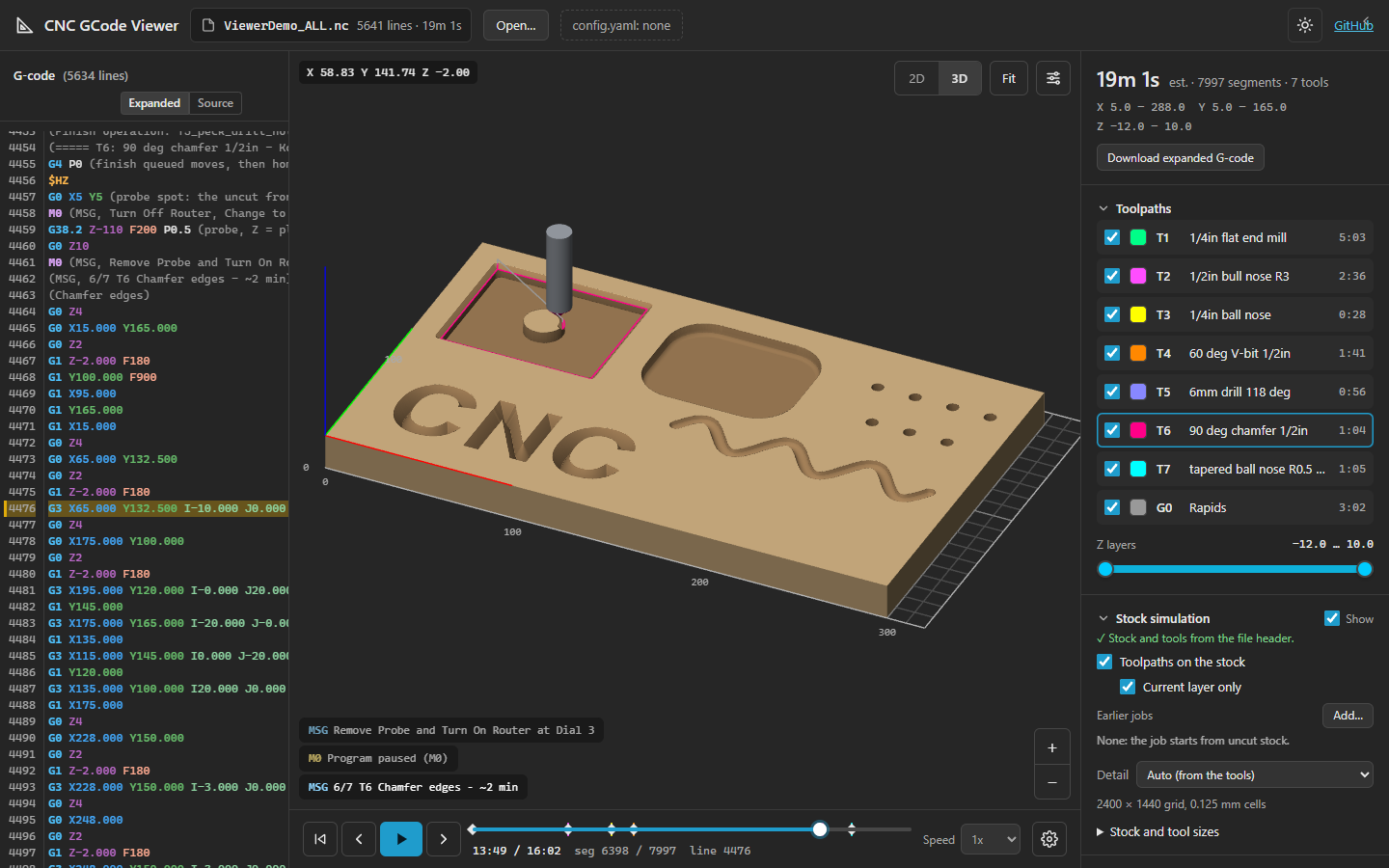
A G-code viewer for FluidNC and GRBL machines: the toolpaths in 3D, the stock carved as the job plays, parametric G-code expanded, and the running job followed on the machine. Free, and it runs entirely in your browser.
One viewer, four places to use it
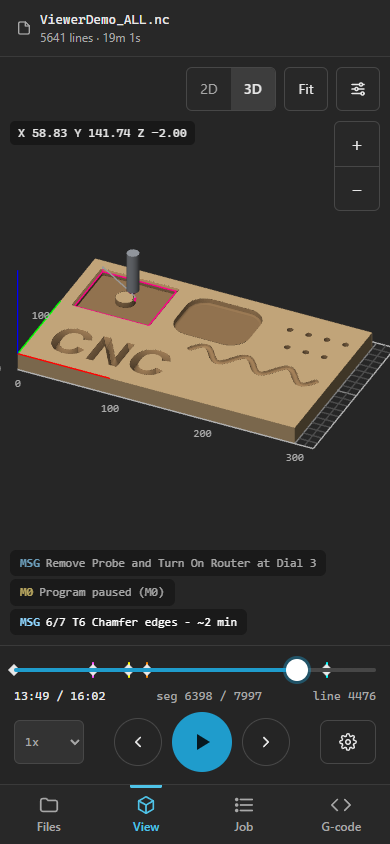
The same viewer, built for each place you prepare or run a job. All of them work on a phone, and none send your files anywhere.
Web viewer
Open G-code files from your computer. Recent files and a FluidNC config.yaml are remembered.
WebUI extension
Preview files on the SD card, run them, and follow the job with progress, time left and feed hold.
- Copy
gcodeviewer.html.gzto the SD card (not the controller's flash, which is small) - In the WebUI, add an extension with the source
/sd/gcodeviewer.html
FigUI plugin
Beside FigUI's DRO and jog controls: preview SD card files with the stock simulation and follow the job FigUI runs.
- Unzip
figui-plugin.zip - FigUI → Plugins → Add → the folder
VS Code extension
Highlighting, completions, validation and expansion for FluidNC G-code, with the viewer beside the editor.
- Extensions → … → Install from VSIX
- Choose
cnc-gcode-tools.vsix
What it shows you
Built around FluidNC, and fine with any GRBL-style G-code.
The machined part
The stock is carved with each tool's real shape as the job plays: flat, ball, bull nose, V-bit, chamfer and tapered ball.
Real-time playback
Each move takes its estimated time from feeds, rapid rates and acceleration. Scrub, step, or play at up to 500x.
Parametric G-code
FluidNC variables, expressions, conditionals and loops are expanded, and the plain G-code can be downloaded.
Messages, M0 and probing
(MSG, …) and (PRINT, …) messages appear as a pendant would show them, M0 stops wait for Resume, and Z probes touch the stock.
Problems flagged
Rapid moves that cut into the stock, and cuts deeper than a tool's flutes, are listed with their lines.
Jobs in several files
A job split by tool builds on the earlier files (PriorJob), so each one starts from the stock the last one left.
Try the whole demo job in one file, or its
V-bit file on the earlier bits' cuts.
Also here
Font Creator
Draw single-line fonts for engraving and laser cutting, with kerning, then turn text into G-code. Imports and exports SVG fonts.